
Email marketing has never really gone out of style, and safelist mailers are still one of those tools that keep popping up when I chat with people in the online marketing space. Whether you’re just getting started or already sending out a few email campaigns, figuring out which safelist mailers are actually worth your time can make a big difference in your results. I’m making things clearer here by explaining how they work, what to look for, and which ones stand out in the current landscape based on my own experience and research.
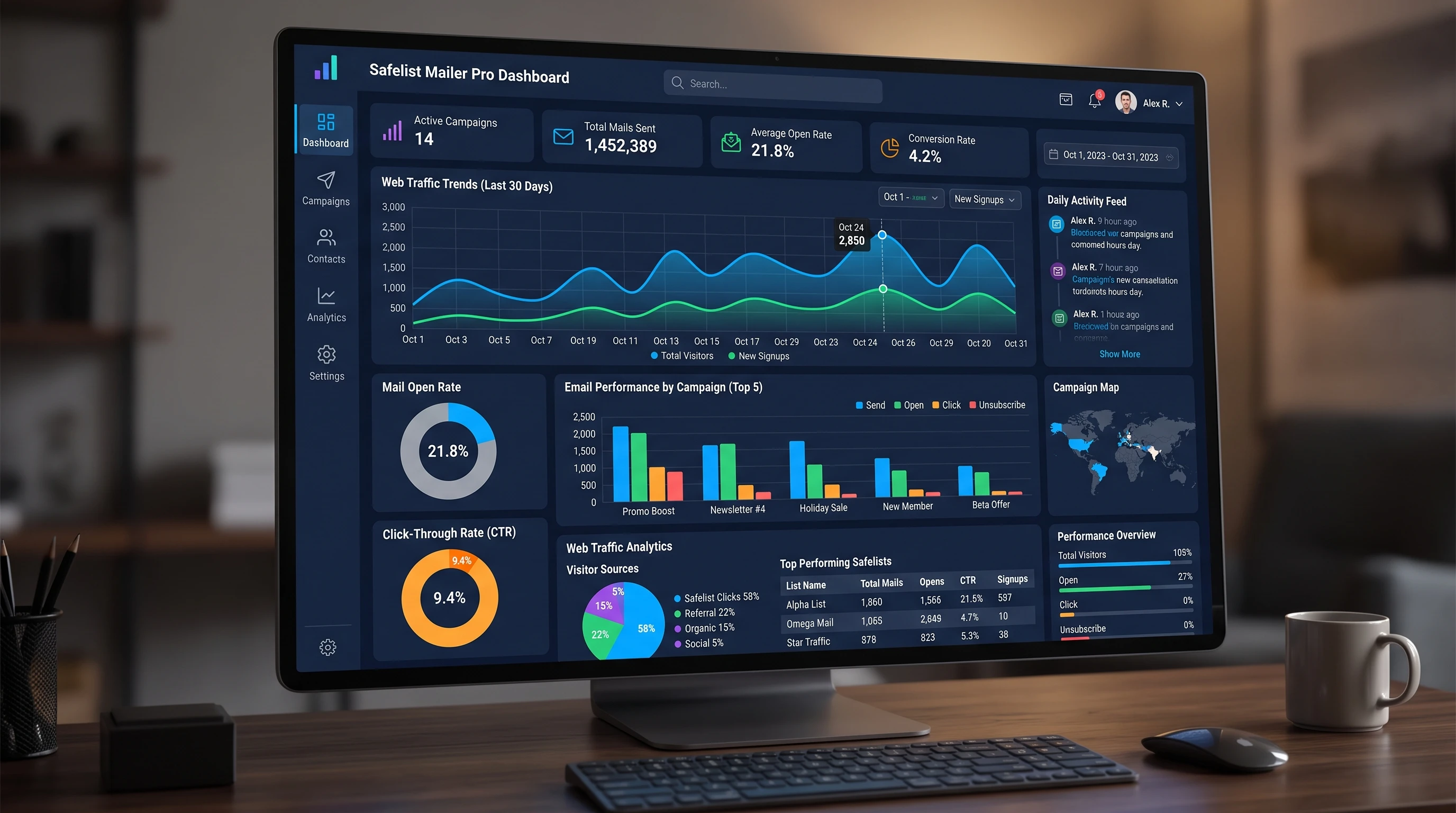
Understanding Safelist Mailers and Their Role
Safelist mailers are online networks where members send promotional emails to each other, usually to build traffic, grow lists, or promote offers. Basically, you sign up for a safelist, accept emails from other members, and in exchange, you get to send your own marketing emails to the community. It’s a “give and take” type of deal that’s been around for years and still gets steady use, especially for low-cost traffic and for people just building their email skills.
Most safelist mailers operate on a credit system. You read emails from others, earn credits, and then spend those credits to send your own emails. Paid upgrades can get you more exposure, let you mail more often, or even automate some of the process; worth checking out if you want to save yourself a ton of clicking.
While these mailers aren’t a magic bullet, they can be pretty handy if you have the right expectations and know how to spot the legit ones from the time wasters.
How Safelist Mailers Work (And What to Expect)
Getting started with safelist mailers is pretty straightforward. Create an account, confirm your email (or two—most require a contact and a list email), and get familiar with their interface. From there, you’ll start getting lots of emails, which you click to earn credits. You’ll notice each mailer has its own vibe, rules, and member types.
- Credit Earning: Every email you open usually gives you credits. These credits pay for how many people you can email in a campaign.
- Upgrades: Free users can send to a basic set of members, but upgrades bump you up for higher send limits, better targeting, and sometimes solo ad access.
- Referral Bonuses: Bring new users in and you’ll typically earn extra credits, some cash, or extended sending features.
Don’t expect to build deep relationships or super-high open rates from safelist marketing. Most people are hunting for clicks and credits just like you. But for testing subject lines, split testing landing pages, or simply building traffic to new offers, they’re still super useful, especially if you’re bootstrapping.
Comparing Popular Safelist Mailers
I’ve run many of my own offers through these platforms; sometimes for exposure, sometimes just to keep my email chops sharp. Here’s a rundown of a few mailers with details on what makes each interesting for marketers.
- ListJoe: ListJoe has been around forever (seriously, one of the oldest). Members get daily mailing access, and it’s known for active users, so you do get some clicks, including from repeat readers. It’s a solid allrounder for anyone just starting out.
- European Safelist: I like this one for its international reach and fresh leads. The list gets regular new members, which means less overlap and list saturation. Upgrades here include more frequent sends and some handy traffic packages.
- HercuList: With a big base and strong admin, HercuList lets you send to thousands even as a free member. The interface is a bit basic, but the mailer is active and offers upgrade options for more reach. I notice my solo ads here usually get more clicks per send compared to most.
- ViralURL: Mixing branding and safelist features, ViralURL includes link tracking, viral tools, and occasionally contests for active users. It’s a little different, but I find the extra tracking and stats useful for dialing in campaigns.
There’s no “best for everyone” choice, but picking two to three mailers to start can help you see some measurable results without overwhelming your inbox.
Features to Look for in a Quality Safelist Mailer
All safelist mailers will claim to be the best, but a few practical features make a real impact in everyday use:
- Easy Credit Earning: I prefer mailers that let you rack up credits quickly so you don’t have to slog through hundreds of emails just to reach the send threshold.
- Mailing Frequency: If you mail often, pick one where free or basic upgrades allow frequent or even daily sends. Some only let you send every three or four days; others let you go every day if you upgrade.
- Deliverability and Active Members: Even the best email won’t help if nobody’s checking their inbox. I keep an eye on my open and click rates to see if a safelist actually has people reading.
- Referral and Affiliate Rewards: Some mailers pay out for referring new members, others just give you points. If you enjoy sharing tools and making a bit extra, this is worth watching for.
- Responsive Support: Tech hiccups happen, and support that gets back to you quickly is a real lifesaver.
I usually sign up for a few and run some test campaigns, tracking which platforms give me the best traffic and involvement. The key is to put your effort where you’re getting results and not be afraid to drop one if it isn’t working for your goals.
Common Challenges and How to Handle Them
Safelist mailers aren’t hassle free. Knowing what to watch for can save a lot of time and help you stay productive:
- Overloaded Inboxes: Signing up for a handful means you’ll suddenly get hundreds of emails a day. Set up filters or use separate emails just for safelist activity.
- Low Conversion Rates: Most safelist members are looking to promote, not buy. Focus on strong headlines, enticing lead magnets, and clear landing pages to boost your results.
- Duplicate Members: The same people are often on several safelists, leading to repeated opens or clicks. Rotate your offers or tweak them so you don’t spam the same people with the same content. This keeps your campaigns fresh.
- Time Spent Clicking: Free versions can be really time consuming. Upgrading to a paid account or using autoclick tools (when allowed) saves you time and keeps you focused on the actual marketing.
Over time, you’ll figure out which platforms are worth keeping. Honestly, the best way to learn is through hands on experience and tracking your results.
Advanced Tips for Getting the Most from Safelist Mailers
Once you’re past the newbie phase, there are a few approaches that help your sends stand out and actually drive more action.
- Track Your Results: Always use custom tracking links (Bitly, ViralURL, or built-in tools if offered) so you know which mailers, subject lines, and offers are clicking (literally).
- Personalization and Split Testing: Every safelist email is going to hundreds or thousands of people, so short, curiosity driven subject lines almost always get the best open rates. Try out two or three variants and see which works best.
- Rotate Offers: Offering something different each time keeps responses up. If you have just one squeeze page, switch up the bonuses or the angle so repeat readers don’t mentally filter you out.
- Stay Consistent: Results build over time. I keep a log of when I send, what I sent, and any follows or signups. After a month or two, the trends help me double down on what’s working, or move on if it’s not.
Real-World Uses: Safelist Mailers in Action
I’ve used safelist mailers to build small subscriber lists, especially in online marketing and home business niches. They’re not the best for every niche, but for digital offers, traffic sites, and simple lead magnets, you can get some surprising results.
- List Building: Send to a well designed squeeze page with a strong hook. Even a handful of new subscribers per week can add up.
- Product Launches: Got a low ticket digital product or service? Safelists can drive a quick burst of initial traffic, which is great for building momentum or getting early feedback.
- Affiliate Offers: Since a lot of members are used to these kinds of promos, you’re mostly targeting other marketers. Focus on unique bonuses or tools that help them in their own business.
The main thing to keep in mind is to filter your traffic when it hits your site. Using double opt ins or confirmation steps can weed out any bots or accidental signups from these lists.
Frequently Asked Questions
How do I avoid getting overwhelmed with safelist emails?
Use a dedicated Gmail or Outlook account just for safelist activity and set up filters so those messages don’t flood your primary inbox.
Why aren’t my open rates very high?
Safelist users see a lot of emails, so open rates tend to be lower than personal lists. Craft short, curiosity driven subject lines and always test a few variations to see what works best.
Can you make sales with safelist mailers?
Yes, but you’ll get the best results by focusing on building a list or offering something of genuine value upfront. Straight sales pitches usually don’t pull as well unless the offer is a perfect fit for the audience.
Is upgrading to a paid account worth it?
Paid upgrades give you more sends, automation, and often higher exposure. I recommend testing things for free first, then upgrading if you see real results and want to save yourself clicking time.
Final Thoughts
Safelist mailers fit a specific role in email marketing. They won’t replace more targeted approaches like solo ads or an organic email list, but they can deliver decent bursts of traffic, a few subscribers, and some practice writing subject lines to a real audience. For anyone building their skills or wanting some quick feedback on offers, picking one or two reputable mailers and sticking with them can be rewarding. It’s kind of fun, too.
Test out a couple, track your results, and adjust your approach as you go. That’s how you’ll get the most out of safelist mailers in today’s email marketing world.
