
Using promo codes on traffic exchange safelists can really stretch your advertising budget and give you some handy perks along the way. If you’re new to the world of safelists, the process might look a bit puzzling. I’m here to break it down into easy, stress-free steps so you can get your codes applied and your ads rolling smoothly.
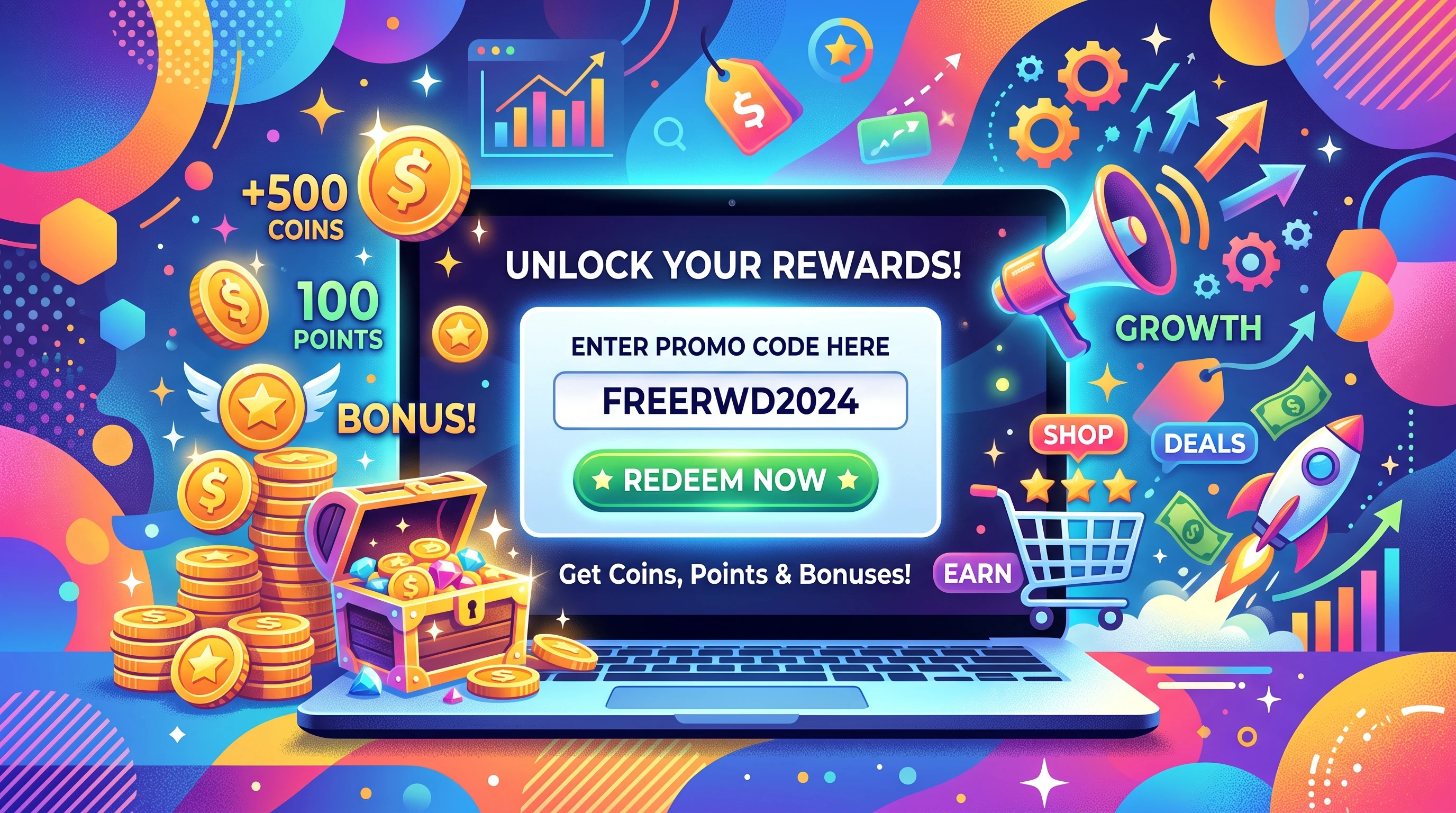
Why Promo Codes Matter on Traffic Exchange Safelists
Traffic exchange safelists are online platforms where people trade visits to each other’s sites or view promotional emails. If you’ve got something to promote, maybe a blog, a business offer, or a referral program, these sites can help drive some targeted traffic your way. Promo codes entered on these platforms often get you bonus credits, upgraded features, or discounts, making them pretty valuable for both regular users and newbies.
Since these programs got popular, promo codes have become part-reward, part-marketing tactic. They help traffic exchanges reward loyal members and keep things lively with special offers. Some codes are sent via email, others pop up in member areas, or even get shared in online forums. It’s smart to keep an eye on these sources if you want to scoop up some extras.
Getting Set Up: What You Need Before You Start
Before you jump in and start copying codes, a few basics need to be in place. First, make sure you have an active account on your chosen traffic exchange safelist. If you’re not sure where to start, check out popular options like TrafficWave, ListJoe, or ViralURL. There are dozens out there, each with their own twists and perks. Each one has its own setup, but the general flow is similar.
- Verified Email: Most safelists only activate promo code features once your email is verified. Go to your inbox and follow the confirmation link they’ll send after registration.
- Promo Code List: Have your promo codes ready. You can find these in welcome emails, newsletters, or sometimes in the members’ area announcements.
- Access to Member Area: Promo code redemption is only available when you’re signed in, so keep your login details handy.
When all three are ready, you’ll be set to make use of great deals and rewards.
Step-by-Step: How to Use Promo Codes on Safelists
I’ve noticed some variation between different safelists, but the basic process for using promo codes is fairly consistent. Here’s a simple breakdown:
- Sign In to Your Account: Open the safelist website and log in with your registered email and password. This brings you into the dashboard where all the action happens.
- Find the Promo Code Redemption Page: Look for a link or tab labeled “Promo Codes,” “Coupons,” or sometimes just “Redeem.” It’s usually found under account settings or member benefits.
- Enter Your Code: Copy your promo code from your source—maybe your email or a trusted forum—and paste it into the box. Double-check for extra spaces or typos; codes are almost always case-sensitive.
- Submit and Wait for Confirmation: Click submit or redeem. Most sites show a confirmation right away, and your bonuses should appear in your account balance or show an upgrade in your membership status.
Sometimes, a site will send you a confirmation email. If you don’t see your reward immediately, try logging out and back in, or check your email for details. If something looks off, reach out to support. Most platforms have a quick-help link or chat option.
Tips to Maximize Promo Code Benefits
Getting extra credits or features is always nice, but using your promo codes at the right time can really boost your results. Here’s what I suggest based on experience:
- Apply Codes During Promotions: Some exchanges raise code values during special events. Look for reminders in newsletters or banners on the site. This is when your codes can go farther than normal.
- Stacking Rewards: Certain safelists let you use several promo codes over time or layer them with referral rewards. Read the terms carefully and see what combos you can try.
- Watch Expiration Dates: Many codes only last a few days or a week. Use them sooner rather than later to catch the best offers before they run out.
- Check for New Codes Regularly: If you’re active on safelists, set aside a little time each week to look for new deals. Some users swap codes in community groups, so staying plugged in pays off.
Common Challenges and How to Fix Them
- Invalid or Expired Codes: Not all codes are current or unlimited. If your code doesn’t work, it might be expired or already hit the maximum claim limit. Double-check emails or the source for fine print.
- Case Sensitivity: Most codes need to be entered exactly. Copy and paste rather than typing manually to avoid errors.
- One Time Use Limits: Used a promo code once? Most platforms only let you redeem it on one account. If you’ve used it before, find a new code or swap with someone you trust.
- Bonuses Not Showing: Sometimes credits or upgrades take a moment to reflect. Try refreshing the dashboard or logging out and back in. Check your balance or the “History” section for updates.
Usually, these bumps are quick to fix. Don’t wait if something seems wrong. The support team wants to help you get the most out of their platform, so ask them if you hit a snag.
Promo Code Security: Staying Safe Online
Stick to codes from official emails, newsletters, or respected users in known forums. Avoid entering codes from suspicious sources. These can sometimes try to phish your details or link to harmful sites. If you’re unsure about a code, check with support before trying it.
Examples of Promo Codes on Safelists
You might run across codes that look like these and offer specific perks:
- WELCOME10: New users often score 10 free credits for email promotions after sign-up.
- SUPER50: Running a bigger campaign? Some codes grant 50% more banner impressions or solo ad sends.
- ANNI2024: Special occasions like anniversaries often unveil promo codes for free upgrades or premium features for a short time.
Codes are usually found on the platform’s dashboard, sometimes in pop-ups or partner newsletters. Popular safelists make code access clear and easy for their members.
Maximizing Your Safelist Membership
Promo codes are just one way to get ahead with safelists, but they’re a smart tool for boosting your exposure or testing out paid features free of charge. Combine rewards from codes with your own activity—like replying to member emails or posting in forums—to build up your profile and unlock more boosts over time.
- Check the Rules: Each safelist has its own approach to promo codes. Read the FAQs or help files to understand how often you can use them, which ones can be combined, and what the rewards involve.
- Stay Organized: Save your codes and their expiry dates in a folder or document. It makes tracking and redeeming offers much simpler.
- Network: Members often swap code tips in chat rooms or groups. Drop in every so often to share and trade codes, and you might be the first to stumble upon a new offer.
Building these habits can really pump up the benefits you get from each safelist. Over time, you’ll spot which sites are the best for regular bonuses and figure out how to time your redemptions for maximum value.
Frequently Asked Questions
Question: How often do new promo codes become available?
Answer: Most safelists release new codes monthly or during big events. Signing up for newsletters and keeping tabs on announcements is your best bet for staying updated.
Question: Can I use the same promo code on different safelists?
Answer: Usually, a code is good for one specific safelist. Occasionally, partner promotions let you use a code in several places, but it’s rare. Plan to collect different codes for each platform you use.
Question: What happens if I try to redeem an expired code?
Answer: The system shows you an error message, and nothing is added to your account. Try the next most recent code, or ask support for help if the code should still be active.
Bottom Line on Promo Codes and Safelists
Applying promo codes on traffic exchange safelists is a handy way to get more exposure for your offers while keeping costs low. Whenever you find a new code, redeem it promptly and track your perks. Over time, using promo codes will become second nature, and you’ll likely find yourself on the lookout for each new opportunity to give your promotions a boost. Enjoy exploring the world of safelist promo codes and watch your credits and contacts grow with every step.
I can actually give you even MORE value when it comes to doing your testing and advertising with safelist mailers and traffic exchanges. All you have to do is click the banner down below and enter your email address. I will email you several large and generous promo codes to a new and different traffic source each and every day. Imagine having hundreds if not THOUSANDS of dollars worth of FREE traffic being sent to your inbox every day ready to use at your convenience. This is THE fastest, easiest and cheapest way to exponentially multiply the amount of impresions, views and eyeballs on whatever offer it is that you are promoting. This promo code service is completely FREE and will not cost yo a dime so click the banner now, sign up for my promo code service and start getting thousands of dollars of traffic sent to your inbox today!

